Back to Blog
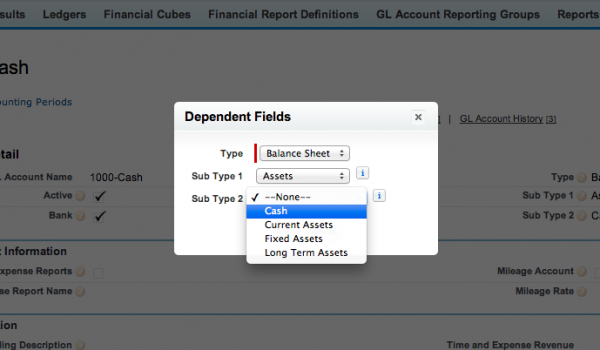
To start, you need to add subtypes to you General Ledger accounts. There are two subtypes. Subtype 1 will be either an asset, liability, or equity. Once you have selected subtype 1, the options for subtype 2 will be determined.
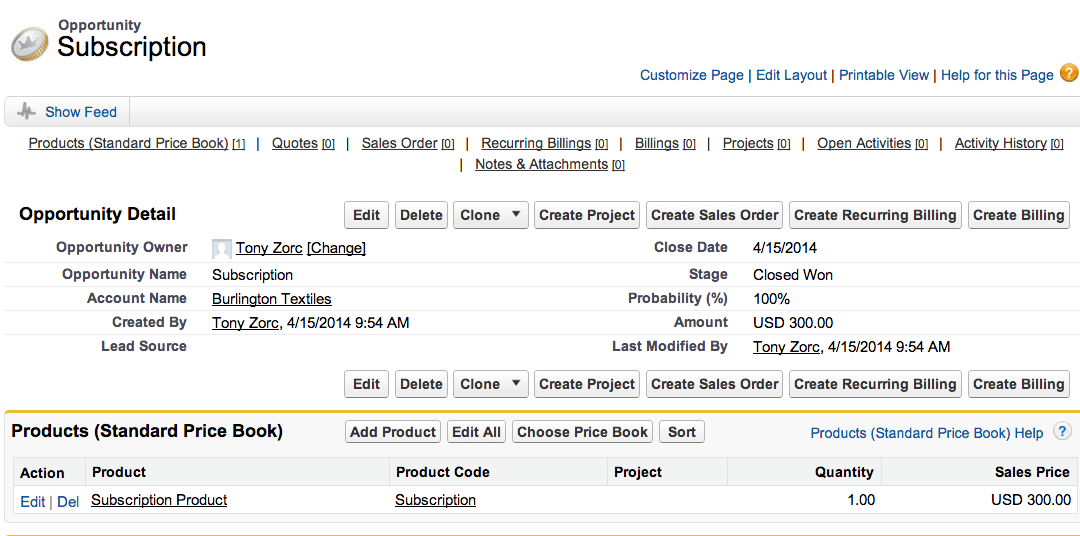
Once you have selected the values for subtypes 1 and 2, you will need to go to your reporting tool. Open your balance sheet report and click the customize button. Once in the customize screen, just drag the subtypes into the body of the report. Then hit run.
See Accounting Seed in action
See how accounting on Salesforce can eliminate the need for costly integrations—and silos of mismatched information—by sharing the same database as your CRM.